
 If you want to process large files using PHP, you may use some of the ordinary PHP functions like file_get_contents() or file() which has a limitation when working with very large files. These functions rely on the memory_limit setting in php.ini file, you may increase the value but these functions still are not suitable for very large files because these functions will put the entire file content into memory at one point. Any file that has a size larger than memory_limit setting will not be loaded into memory, so what if you have 20 GB file and you want to process it using PHP? Another limitation is the speed of producing output. Let’s assume that you will accumulate the output in an array then output it at once which gives a bad user experience. For this limitation, we can use the yield keyword to generate an immediate result.
SplFileObject Class
In this post, we will use the SplFileObject class which is a part of Standard PHP Library.
For our demonstration, I will create a class to process large files using PHP.
The class will take the file name as input to the constructor:
class BigFile
{
protected $file;
public function __construct($filename, $mode = "r")
{
if (!file_exists($filename)) {
throw new Exception("File not found");
}
$this->file = new SplFileObject($filename, $mode);
}
}
Now we will define a method for iterating through the file, this method will use fgets() function to read one line at a time.
You can create another method that uses fread() function.
Read Text Files
The fgets() is suitable for parsing text files that include line feeds while fread() is suitable for parsing binary files.
protected function iterateText()
{
$count = 0;
while (!$this->file->eof()) {
yield $this->file->fgets();
$count++;
}
return $count;
}
This function will be used to iterate through lines of text files.
Read Binary Files
Another function which will be used for parsing binary files:
protected function iterateBinary($bytes)
{
$count = 0;
while (!$this->file->eof()) {
yield $this->file->fread($bytes);
$count++;
}
}
Read in One Direction
Now we will define a method that will take the iteration type and return NoRewindIterator instance.
We use the NoRewindIterator to enforce reading in one direction.
public function iterate($type = "Text", $bytes = NULL)
{
if ($type == "Text") {
return new NoRewindIterator($this->iterateText());
} else {
return new NoRewindIterator($this->iterateBinary($bytes));
}
}
Now the entire class will look like this:
class BigFile
{
protected $file;
public function __construct($filename, $mode = "r")
{
if (!file_exists($filename)) {
throw new Exception("File not found");
}
$this->file = new SplFileObject($filename, $mode);
}
protected function iterateText()
{
$count = 0;
while (!$this->file->eof()) {
yield $this->file->fgets();
$count++;
}
return $count;
}
protected function iterateBinary($bytes){
$count = 0;
while (!$this->file->eof()) {
yield $this->file->fread($bytes);
$count++;
}
}
public function iterate($type = "Text", $bytes = NULL)
{
if ($type == "Text") {
return new NoRewindIterator($this->iterateText());
} else {
return new NoRewindIterator($this->iterateBinary($bytes));
}
}
}
Parse large Files
Let’s test our class:
$largefile = new BigFile("file.csv");
$iterator = $largefile->iterate("Text"); // Text or Binary based on your file type
foreach ($iterator as $line) {
echo $line;
}
This class should read any large file without limitations Great!!
You can use this class in your Laravel projects by autoloading your class and add it to composer.json file.
Now you can parse and process large files using PHP easily.
Keep coming back.
Thank you.

 Before we talk about how to prevent SQL injection, we have to know the impact of SQL Injection attack which is one of the most dangerous attacks on the web. The attacker can steal your data or even worse, the whole web server can be stolen from one SQL injection vulnerability. I wrote this post to show you how to prevent SQL injection. If you need to know more about SQL injection itself and its types and all other stuff, you can do a simple search on google if you want. The solution is to clean the request parameters coming from the user . Keep in mind that the solution that I’ll share with you is not like the most solutions on the web that go to every SQL statement and clean the request variables one by one.
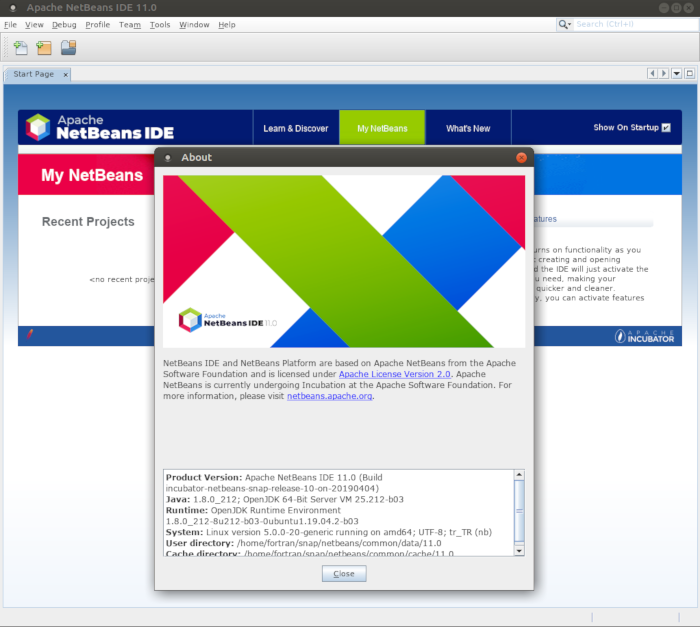
 Apache NetBeans IDE’nin 11 döngüsünün LTS sürümünün Apache NetBeans 11.0 olduğu belirtilirken, 11.1 sürümünün, LTS sürümü kadar ağır olarak test edilmediği belirtiliyor. Bu nedenle sürümün daha az kararlı olabileceği ifade ediliyor. Nisan 2020’de yayınlanması planlanan bir sonraki LTS sürüm için geri bildirim sağlamak üzere 11.1 sürümünün kullanılmasının önemli olduğu belirtilirken, ilgili sürümü indirmek isteyen kullanıcıların buradan yararlanabilecekleri söyleniyor.
  cURL ve liburl adlı iki kısımdan oluşan,
  Network üzerinde bulunan aktif cihazlardan bellek (
 Java,
Java,